

Overview
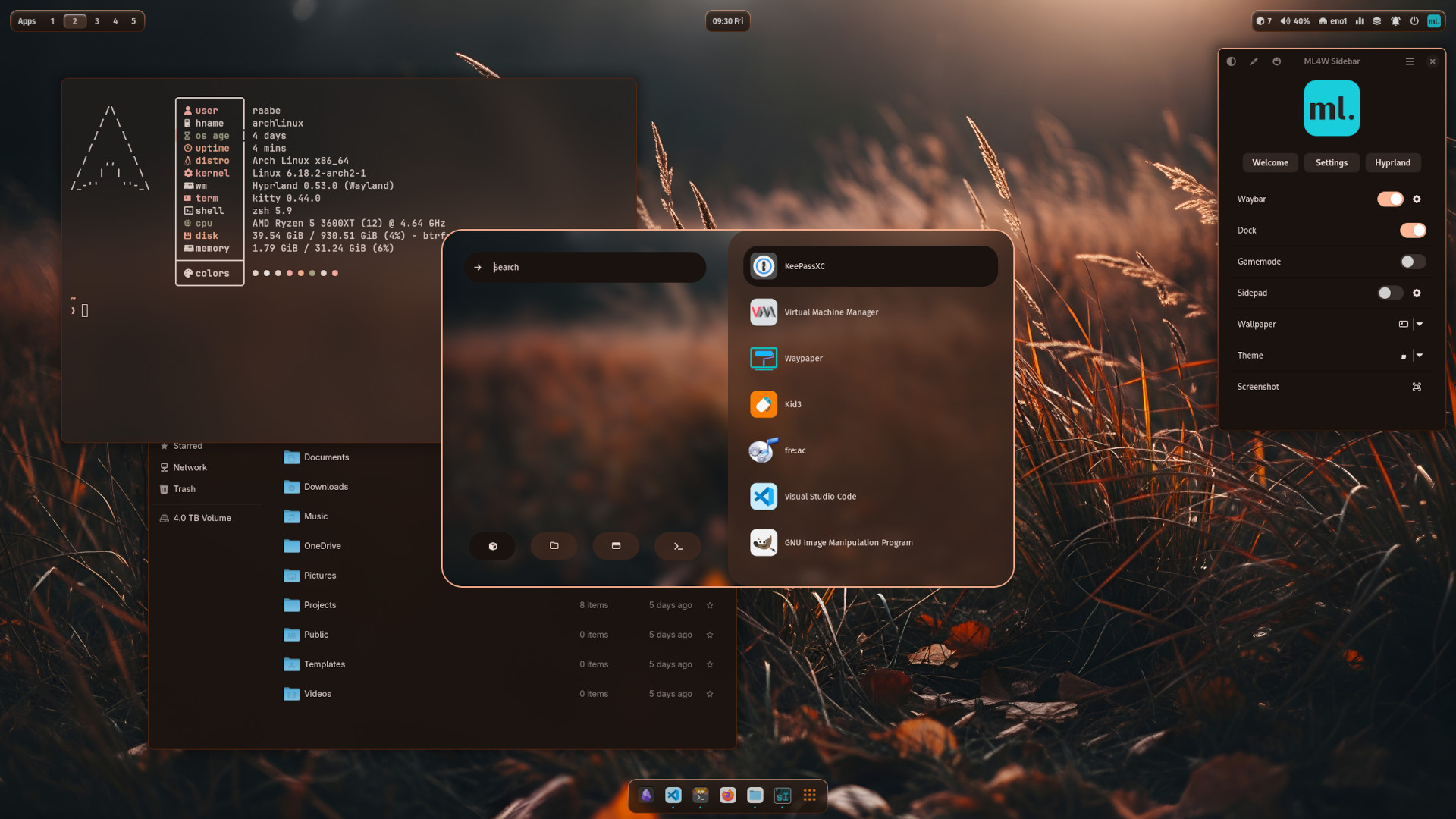
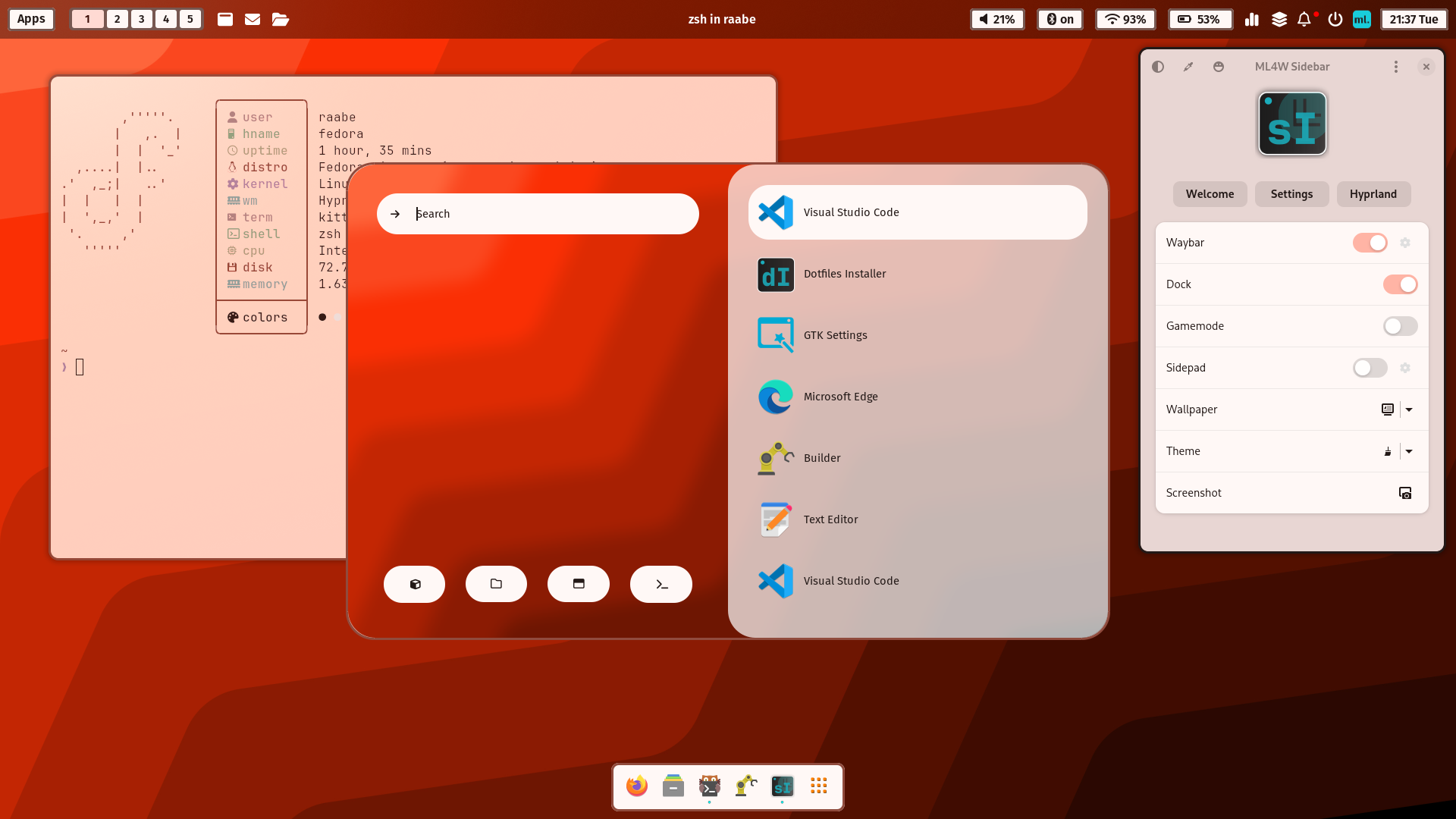
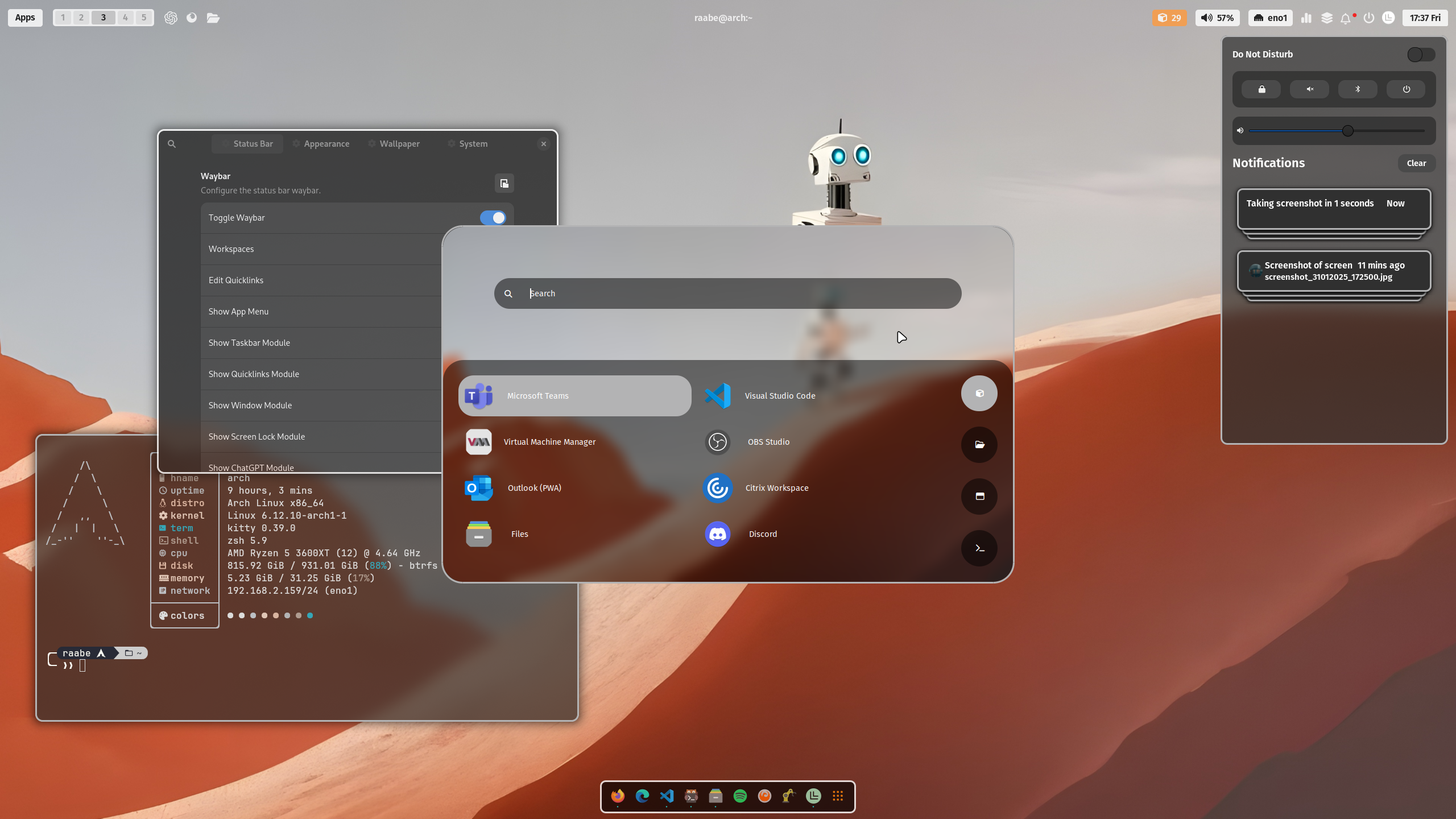
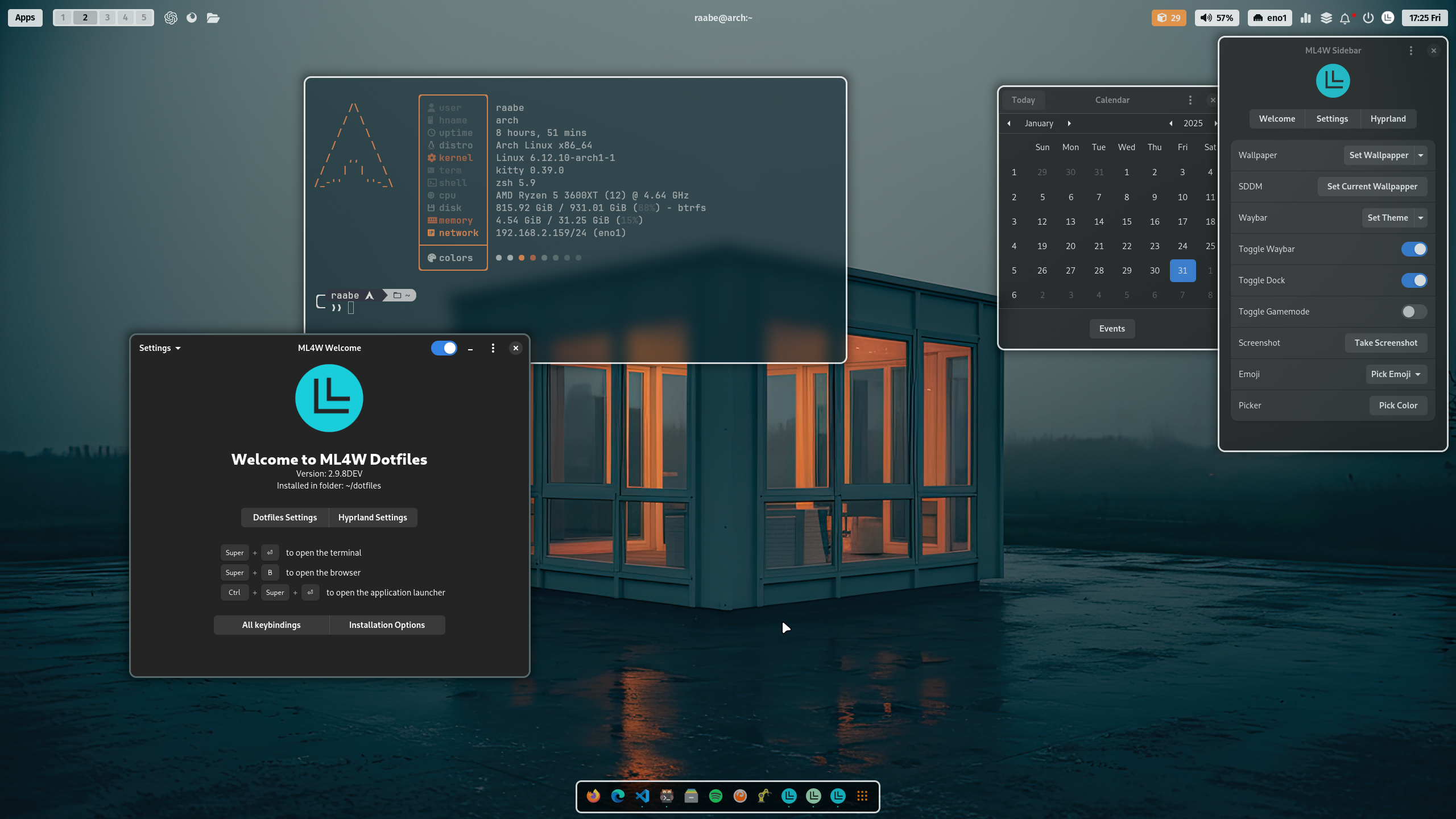
An advanced configuration of Hyprland for Arch Linux and openSuse Tumbleweed (Fedora with limitations). This package includes an installation script to install and setup the required components.
IMPORTANT
Hyprland Wiki: We officially run and test Hyprland on Arch and NixOS, and we guarantee Hyprland will work there. For any other distro (not based on Arch/Nix) you might have varying amounts of success. However, since Hyprland is extremely bleeding-edge, point release distros like Pop!_OS, Fedora, Ubuntu, etc. will have major issues running Hyprland. Rolling release distros like openSUSE, Solus ,etc. will likely be fine.
NOTE
This Wiki is covering the latest features of the ML4W Dotfiles. Please make sure that the latest version of the ML4W Dotfiles is installed on your system. Follow the installation and update instructions.
The ML4W Dotfiles can be installed with the Dotfiles Installer.

Latest features
You can find the latest features in the CHANGELOG
Supported platforms
The installation should work on all Arch Linux and Fedora based distributions.
The ML4W Dotfiles are tested with the following distributions:
- Arch Linux
- EndeavourOS
- Manjaro Linux
- Garuda Linux
- Arco Linux
- CachyOS
- openSuse Tumbleweed
- Fedora Workstation 43
For Manjaro users: Hyprland and required packages are under ongoing development. That's why it could be possible that some packages are not immediately available on Manjaro. But usually, the packages will be published later. Maybe you can install required packages manually.
For Arco Linux users: Please install hyprutils first with
yay -S extra/hyprutils
Main packages
- Terminal:
kitty - Editor:
nvim - Prompt:
oh-my-posh - Wallpaper:
hyprpaperwithwaypaper(swww optional) - Icons:
Font Awesome - Launch Menus:
Rofi(Wayland) - Color theme:
pywal - Browsers:
Firefox(Chromium and Brave optional) - Filemanager:
Nautilus(yazi and dolphin optional) - Cursor:
Bibata Modern Ice - Icons:
Papirus-Icon-Theme - Status Bar:
waybar - Screenshots:
grim&slurp&grimblast - Clipboard Manager:
cliphist - Logout:
wlogout - Idle Manager:
hypridle - Screenlock:
hyprlock - Dock:
nwg-dock-hyprland - GTK Theme Manager:
nwg-look - QT6 Theme Manager:
qt6ct
NOTE
Every Linux distribution and setup can be different. Therefore, I cannot guarantee that the installation will work everywhere. Installation on your own risk.